
Tilt to Survive in Falling Balls
Overview
Falling Balls is a minimalist arcade game designed for iOS devices, offering a straightforward yet engaging gameplay experience centered around tilt-based controls. The core mechanic involves using the device’s accelerometer to guide a small stick figure, avoiding a continuous stream of falling balls of varying sizes. The game’s simplicity is intentional, focusing on immediate accessibility and real-time reflexes. It caters to casual gamers seeking short bursts of entertainment without complex rules or lengthy tutorials.
Target users include mobile gamers who enjoy quick, reactive gameplay and those who appreciate retro-inspired design. The game’s primitive graphics and crude visual effects reflect a deliberate aesthetic choice, emphasizing gameplay over polish. Despite its minimal presentation, the audio feedback—particularly the exaggerated “boing” sound when balls hit the ground—adds a layer of charm and responsiveness. The developer, AppSafari, has maintained the game’s core concept while modernizing its performance and interface.
Real-world usage scenarios include downtime moments such as waiting in line, commuting, or taking short breaks. The game requires no internet connection, making it ideal for offline play. While no high score tracking or advanced settings are included, the persistent display of a single high score offers a subtle competitive edge. The updated version features a full rewrite in OpenGL, enhancing responsiveness and visual smoothness without altering the fundamental gameplay.
Key Features & Capabilities
- Tilt-Based Controls: Utilizes the iPhone’s built-in accelerometer to move the player character left and right. This intuitive method allows for seamless, real-time reactions to incoming balls.
- OpenGL-Enhanced Performance: A complete rewrite in OpenGL improves rendering speed and responsiveness, resulting in smoother gameplay and reduced input lag.
- Minimalist Visual Design: Features simple, low-poly graphics and rudimentary animations. The aesthetic is intentionally basic, evoking early mobile game styles.
- Responsive Audio Feedback: Includes exaggerated sound effects, such as the distinctive “boing” when balls impact the ground, enhancing the tactile feel of gameplay.
- Offline Play: Fully functional without internet access, allowing uninterrupted play in any environment.
- Single High Score Display: Tracks and shows one high score in the top corner of the screen, encouraging repeated attempts to beat personal bests.
These features work together to create a lightweight, reactive experience. For example, the tilt control allows players to instinctively adjust their position in response to ball trajectories, while the audio cues help players anticipate impacts even when not looking at the screen. The lack of menus or settings keeps the focus on core gameplay, reducing friction for quick sessions. The updated UI introduces a cleaner layout, improving visual clarity and navigation despite the game’s minimal interface.
User Interface, Workflow & Performance
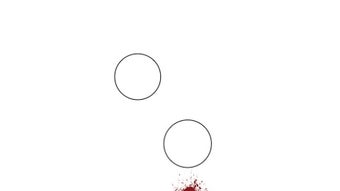
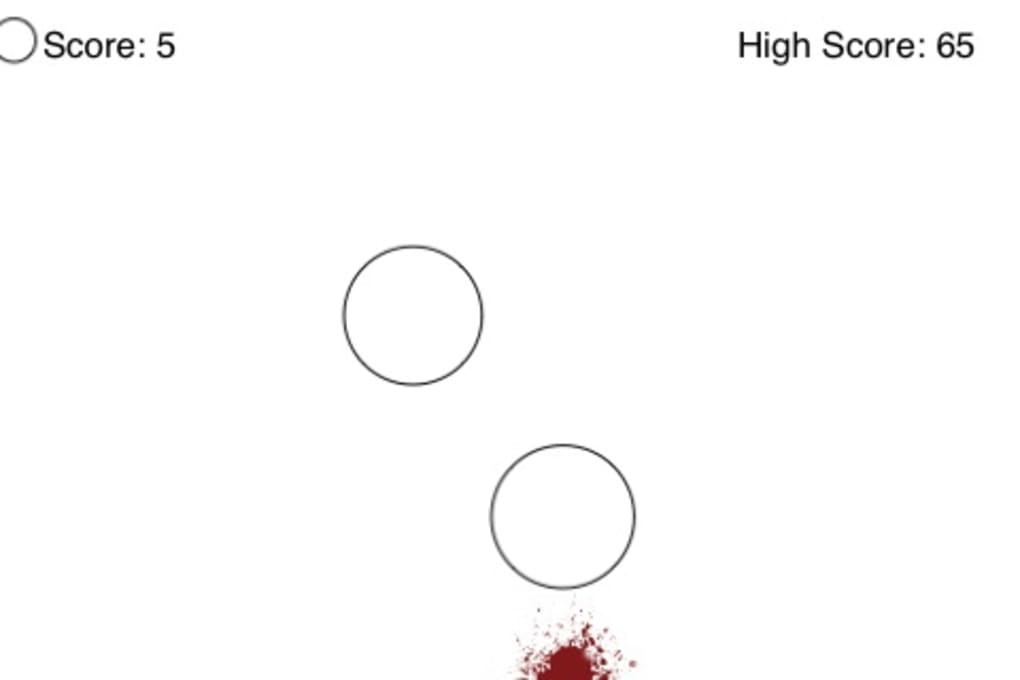
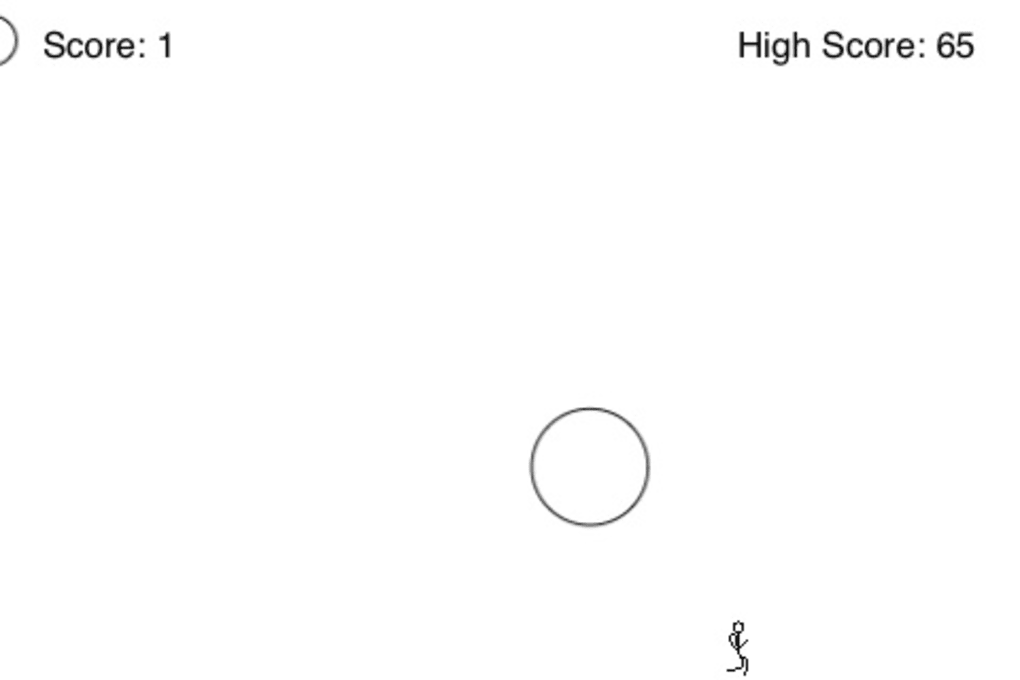
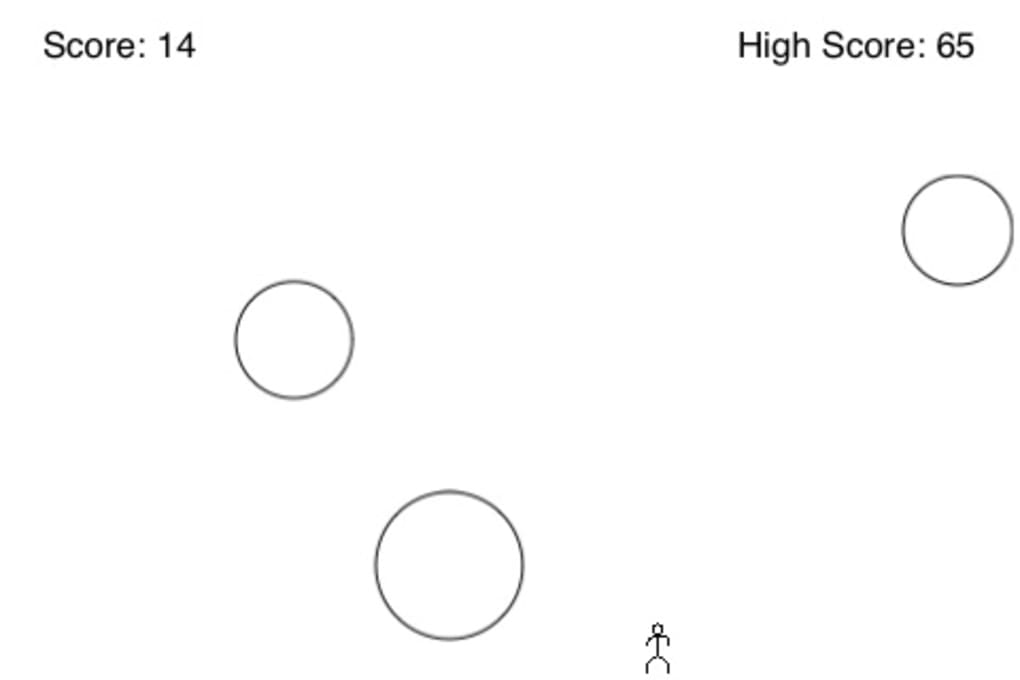
The user interface of Falling Balls is intentionally sparse, reflecting the game’s minimalist philosophy. The screen displays only the player character, falling balls, and a single high score counter. Navigation is not applicable in the traditional sense—control is direct through device tilt, eliminating the need for buttons or menus. This design prioritizes immediacy and reduces cognitive load, allowing players to focus solely on reaction time.
Workflow efficiency is high, as the game begins instantly upon launch with no loading screens or setup steps. The learning curve is nearly flat, making it accessible to users of all ages and skill levels. The updated OpenGL rendering ensures consistent frame rates and smooth motion, even during intense sequences. However, exact performance metrics such as CPU or RAM usage were not specified by the developer.
Stability appears reliable, as the game runs continuously without reported crashes or freezes. The absence of in-app purchases and ads enhances the user experience, preserving focus on gameplay. While no official benchmarks were provided, the use of OpenGL suggests optimized graphics handling. General software behavior patterns indicate stable operation across supported iOS devices, though specific device compatibility was not detailed.
Compatibility & System Requirements
Falling Balls is designed for iOS devices and runs on version 1.0.2 of the software. The application has a file size of 18.4 MB, making it lightweight and suitable for devices with limited storage. It is compatible with the iOS operating system, though specific device models or minimum iOS versions were not listed by the developer.
The developer did not provide additional system requirements. Exact performance details were not specified. Compatibility information is limited to the platform and version stated. Users should ensure their device supports accelerometer-based input, which is standard across modern iOS devices. No hardware-specific features beyond the accelerometer are required.
Pros and Cons
Pros
- Simple, intuitive tilt-based controls for immediate play
- Smooth performance thanks to OpenGL optimization
- Lightweight size (18.4 MB) ideal for storage-constrained devices
- No ads, no in-app purchases, fully offline
- Engaging audio feedback enhances gameplay feel
- Fast launch and zero setup time
Cons
- Limited visual polish; graphics are intentionally basic
- No high score tracking beyond a single figure
- Lack of customization or settings options
- No multiplayer or additional game modes
- Repetitive gameplay may lose appeal over time
FAQ Section
Is Falling Balls compatible with my iOS device?
Falling Balls is designed for iOS and runs on version 1.0.2. While specific device compatibility was not listed, it should function on any iOS device that supports accelerometer input and the required iOS version.
Is the game free to download and play?
Yes, Falling Balls is completely free to download and play. There are no in-app purchases or advertisements, ensuring a clean, uninterrupted experience.
Does the game require an internet connection?
No, Falling Balls is designed for offline play. All gameplay functions are available without an internet connection.
How often are updates released?
Updates are released as needed. The latest version, 1.0.2, includes a full rewrite in OpenGL for improved performance and a new UI. Check the App Store for the most recent release.
What type of license does Falling Balls have?
Falling Balls is distributed under a free-to-use license with no restrictions on personal or casual use. It is not open-source, but the developer does not impose usage limitations.
Final Thoughts + CTA
Falling Balls delivers a pure, reflex-driven arcade experience with a modern touch. Its minimalist design, responsive controls, and smooth performance make it a standout choice for casual gamers seeking instant fun. While it lacks depth and long-term replay value, its simplicity is its greatest strength. The game excels in short, pick-up-and-play sessions and remains enjoyable for those who appreciate tactile, physics-based gameplay.
AppSafari has successfully modernized a classic concept without compromising its essence. The OpenGL upgrade ensures a fluid experience, and the absence of ads or purchases preserves the game’s integrity. For fans of retro arcade mechanics and tactile interaction, Falling Balls is a must-try.
Download Falling Balls now







